
Save Reports to Excel or HTML
Date: Aug. 16, 2005 Categories: reports
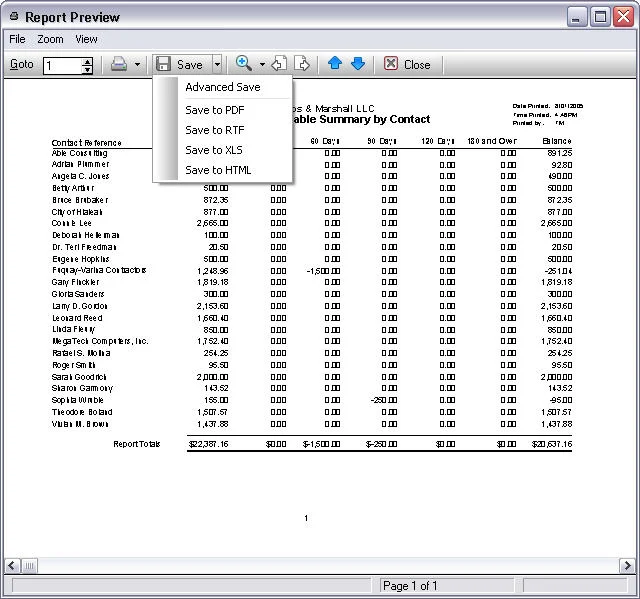
With Time Matters and Billing Matters you can produce a variety of reports ranging from standard lists to detailed financial reports. Version 7 allows you to save both pre-programmed reports and your own custom reports as MS Excel spreadsheets or webpages (HTML documents).
To save a report as a MS Excel spreadsheet or webpage:
-
Select the Report.
-
Press the
Previewbutton. -
Press the drop-down button on the right edge of the
Savebutton. -
Press:
Save to XLS. orSave to HTML.