
Contact Duplicate Check
Date: Oct. 7, 2014 Categories: forms
Check for Duplicates when Adding a Contact
Perform these step for every Time Matters user. You don't have to go to each user's computer. Just select the User's userid (typically 3 initials) in User Level Setup and then follow steps 2 through 4.
To set your user account in Time Matters to check for an existing duplicate contact when adding a ndw contact:
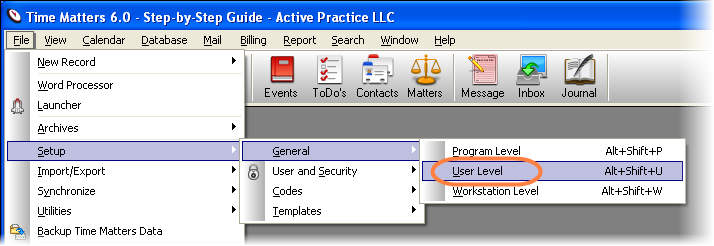
- Go to: Main Menu | File | Setup | General | User Level | Forms
- Choose Contact from the drop-down
- Click Set Form Options
- Check the box: Perform Duplicate Check when Adding New Contact